
Injection Site Tracker
See where every injection has actually gone — not where you think it went.


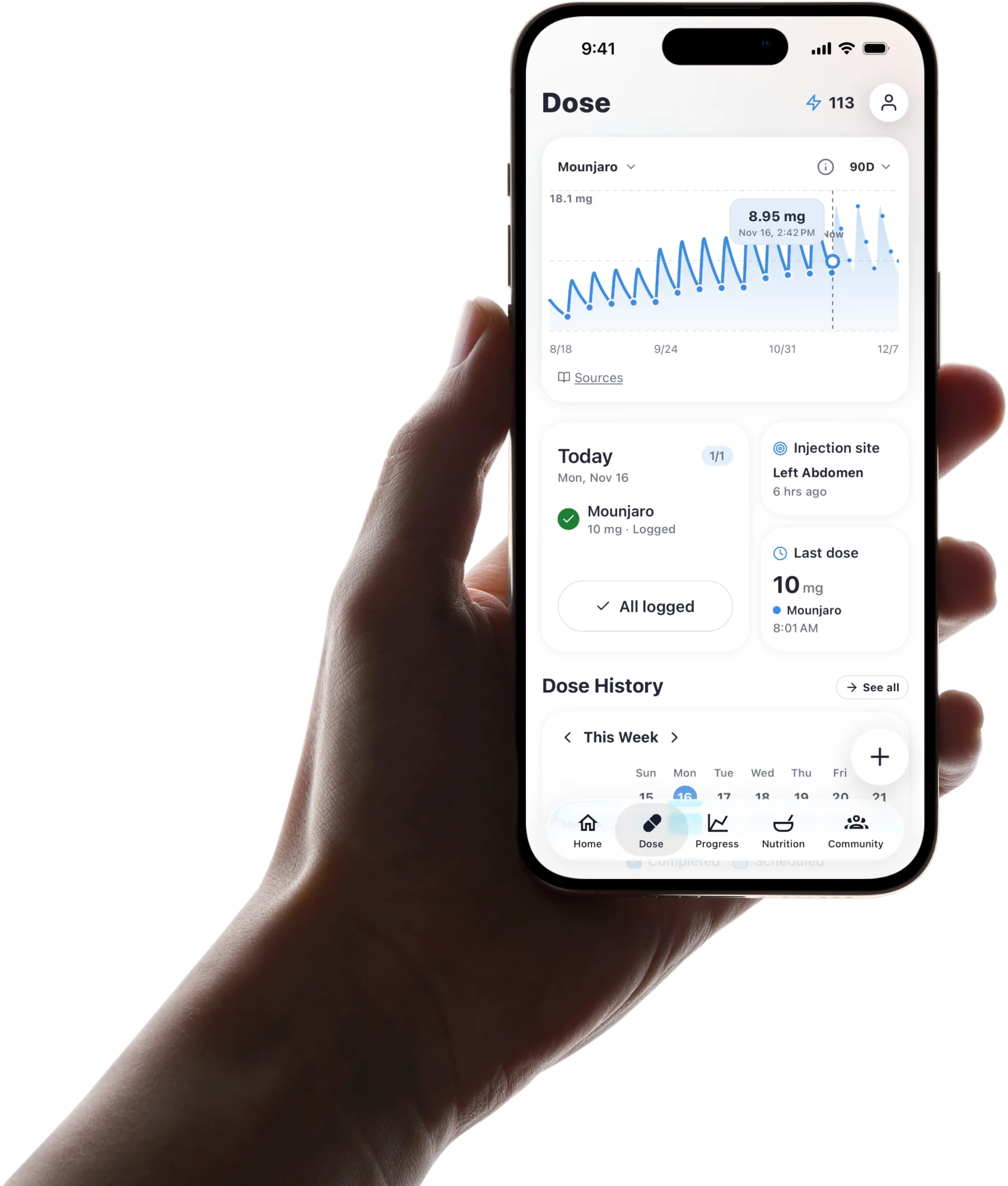
Published by Pep AI · Injection tracker · Updated November 2026
Rotation fails for an unglamorous reason: nobody remembers where the last injection went, and definitely not the one before that. What people do instead is drift toward the comfortable, reachable spots — which is not rotation but a slow narrowing onto a few favourites.
The drift is invisible without a record, because each individual injection genuinely feels like it was somewhere new. Pep AI records the site with every dose and shows your recent sites, week by week, which is the only way to see it.
It also marks your last site and warns you if you pick it again, so the next spot is your choice, made with the facts in front of you.
Rotate Your Sites in a Few Taps
Tap Where the Shot Went
After each injection, tap the spot on Pep AI's body map. The site is saved with the date and the dose in the same entry.
It takes a second and replaces the guesswork. The record builds itself shot by shot.
Check Your Last Site
When you log a shot, the body map marks your last site and lists your recent ones. If you pick the same spot as last time, Pep AI asks whether you want to choose another.
You can always use that spot anyway. The map simply makes the choice easier.
Watch the Pattern Build Week by Week
The body map on Home shows your sites from the last four weeks, brighter for the most recent, and the site tracker lets you step back week by week. Drift toward one favorite spot becomes obvious.
That is the view memory cannot give you. Pep AI keeps it for as long as you track.
The Injection Areas Your Label Lists
Follow your label and your prescriber on where to inject. The labels cited here also carry a boxed warning about the risk of thyroid C-cell tumors; read the full label that comes with your medication.
Abdomen, Thighs and Upper Arms
The Ozempic® FDA label lists the abdomen, thigh and upper arm as injection areas, and the Mounjaro® label lists the same three. Pep AI's body map covers each of them.
Your own label and your prescriber are the final word on where you inject. The map records whichever areas you use.
A New Spot Each Time
The Ozempic® label tells patients to use a different injection site each week when injecting in the same body region. The Zepbound® label says to rotate injection sites with each dose.
Pep AI makes that easy to follow because the last site is always on screen. You never have to remember it.
Upper Arm Shots and Help From Others
The Mounjaro® label says to inject in the abdomen or thigh, or to have another person inject in the back of the upper arm. The Zepbound® label says the same. Check the Instructions for Use that came with your own pen or vial.
Whoever gives the shot, the site goes on the same map. Your rotation history stays complete.
Sites Are One Part of Your Shot Record
Reminders for Shot Day
Weekly, daily and custom shot reminders are covered on the GLP-1 injection tracker page. The reminder and the site log meet on shot day.
Log the shot in Pep AI, tap the site, and both are saved together. One step covers both jobs.
Every Injection in One Log
For pens, vials, daily shots and supply counts, see the injection tracker app page. It is the broad view of everything you inject.
The site map is shared across all of it. When a site reacts, the GLP-1 side effects tracker covers the symptom log.
Trusted by People Who Inject Every Week
Rated 4.7 Stars
Pep AI has 4.7 stars from 3,900+ ratings on the US App Store. It has passed 200,000+ downloads across iPhone and Android.
Pep AI is free to try: a free download and a 3-day free trial. After the trial, tracking needs a paid subscription, which you can cancel from your App Store or Google Play account.
From Overwhelmed to Calm
“I was overwhelmed … this just make it calm and easy to follow.” That is how one Pep AI user described it in an App Store review.
The body map is part of what keeps it calm. Every site is saved without writing anything down.
Sources
The pattern you can't see from memory
Each injection feels new. The aggregate tells a different story.
Same-site warning
If you pick the spot you used last time, Pep AI asks you to choose another or use it anyway.
Shot reminders
Weekly, daily or your own schedule. A reminder on shot day, a couple of taps in the app to log it, and your history builds itself.
Injection site map
Log where each shot went on a body map across abdomen, thighs and arms, so the last site is never a guess.
Estimated medication level
See your estimated GLP-1 level rise and fall between shots, modelled from the injections you log and published half-lives. A model, not a blood test.
Protein & fiber
Log meals by photo, barcode or search with protein and fiber up front, the two that slip first when appetite drops.
Side effects & progress
Rate symptoms by severity and keep weight and progress photos in the same app as your shots.
When a site gets sore
If a site turns sore, red, swollen or itchy, log it as an injection-site side effect on the same day. Your injection log shows which site you used that day. Mention repeated reactions to your prescriber.
Pens and vials share one map
Whether you use a pen or a single-dose vial, the site goes on the same body map. Switching formats does not reset your rotation, and the pattern keeps building.
Daily injections need more room
A daily shot like Saxenda® or Victoza® uses seven times as many sites each week as a weekly pen. The body map shows your last and recent sites at a glance, so the next spot is easier to choose.
Frequently asked questions
How far apart should injection sites be?+
At least an inch between successive injections is the common guidance, and further is better. What matters is that any given spot gets a real interval to recover, so the needed spread depends on how often you inject.
How is this different from the free injection site rotation planner?+
The rotation planner on this site lays out a plan for your next few shots from the sites you use and how often you inject. The Pep AI app is the tracker: it records where every shot actually went and shows your recent sites, so you can choose the next spot yourself.
How do I know if I have lipohypertrophy?+
Feel rather than look. Run your fingertips flat over the areas you inject and compare against the opposite side. Affected tissue feels firmer, thicker or more rubbery, is often slightly raised, and is usually painless.
Which areas can I choose on the body map?+
Pep AI's body map covers the abdomen, thighs and arms. Those are the areas listed on GLP-1 labels such as Ozempic® and Mounjaro®. Use the areas your label and your prescriber recommend for you. The injection site tracker records whichever ones you choose.
Can I inject in the same area two weeks in a row?+
The Ozempic® label says to use a different injection site each week when injecting in the same body region. Other labels, like Zepbound®, say to rotate sites with each dose. Pep AI shows exactly where the last shot went, so picking a new spot is simple. Check your own label and ask your prescriber if you are unsure.
What if an injection site is sore or red?+
Log it in Pep AI as an injection-site side effect with a severity rating, on the day it happened. Mild reactions are listed on GLP-1 labels. Contact your prescriber if a reaction is severe, spreading or does not go away. Seek urgent care for signs of an allergic reaction.
Does rotation tracking work for vials as well as pens?+
Yes. Pens and single-dose vials, such as Zepbound® vials, use the same body map, with your last site marked. If you switch formats, your rotation history carries on. Nothing resets.
Does Pep AI give medical advice?+
No. Pep AI is a tracking and organization tool, not a medical device. It does not recommend medications, doses or schedules, and Pep Bot declines dosing questions. What to take stays between you and your prescriber.
Start tracking smarter today.
Free to try on iPhone and Android.