
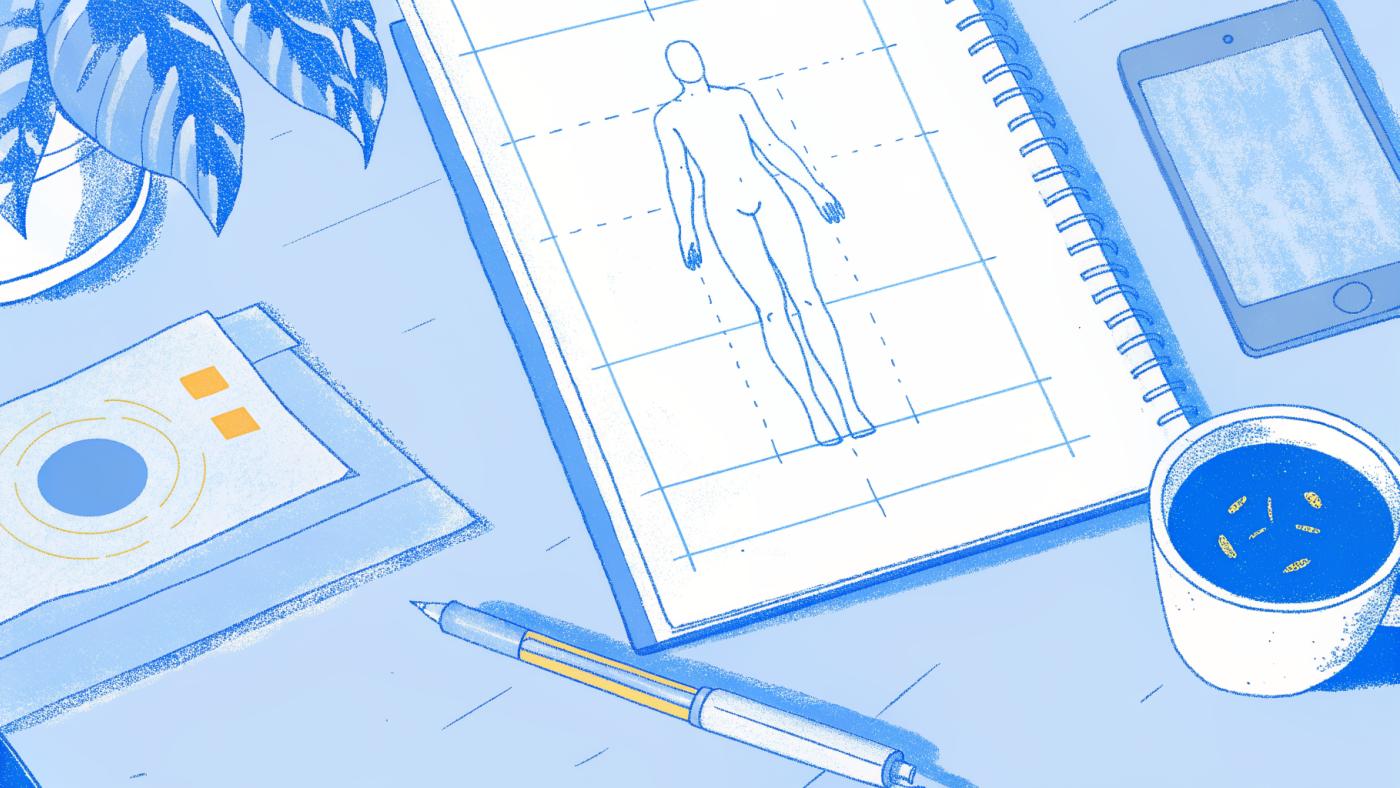
Your injection site is mostly a comfort and access choice, since the Zepbound® label reports similar drug exposure in the abdomen, thigh, and upper arm. What matters more is rotating sites, and that is hard to do without a record.
The spot you choose for your weekly Zepbound® injection is worth a little thought, and your prescriber can advise you on site choice. Tracking where you last injected may feel like overkill, since you'll remember, but a record is worth keeping.
Comfort and convenience are easy to think about. Where the last shot went is harder to recall.

Where you place each weekly injection is worth tracking. Injection sites can differ in how they feel and how they hold up to repeated use, so it helps to ask your prescriber which sites suit you. Zepbound® is given once weekly, per its FDA prescribing information, so each shot covers a full week.
Because Zepbound® is a once-weekly shot, each injection site is worth recording before the next dose. Repeated injection into the same site can lead to lipohypertrophy, a thickening of fatty tissue. Some people notice that a dose feels different from week to week. If that happens, tell your prescriber, and mention whether you have been using the same spot.
Most Zepbound® users understand, at least loosely, that they should rotate. The problem is execution across a seven-day gap. Without a deliberate rotation plan, it can be easy to default to the same comfortable zone and re-inject the same area week after week. The absence of a system that survives the week is the real failure point. A GLP-1 tracker app closes that gap by logging where each shot landed, so you have a record to review with your prescriber when deciding where to inject next.
Key takeaways
- The Zepbound® FDA label lists three injection areas (the abdomen, the thigh, and the back of the upper arm) and says to rotate injection sites with each dose. Your prescriber can tell you which areas are right for you.
- The Zepbound® label says another person should give injections in the back of the upper arm, so if you inject alone, your usual options are the abdomen and thigh.
- Lipohypertrophy, hardened, lumpy tissue under the skin, can develop when injections are repeatedly given in the same spot. If you notice lumps or hardened areas at an injection site, mention it to your prescriber.
- A new site may feel different, so tell your prescriber about any side effects you notice. Keeping a side effect log and a site log in one app lets you look back and compare them with your prescriber.
- Remembering where you injected a week ago is easy to get wrong. Relying on it to track last week's injection site is the reason most rotation plans quietly fall apart.
- Pep AI's GLP-1 tracker helps you keep a record with an interactive body map that marks your last site and warns you if you pick the same spot as last time, plus your dose history, an estimated medication level chart, and supply tracking from what you enter.
What Happens to Your Skin When Injection Site Rotation Becomes Guesswork
A significant proportion of insulin self-injecting patients develop lipohypertrophy (59% of 1,227 people in one study), and it was linked to poor injection habits. While that dataset covers insulin users rather than GLP-1 patients specifically, it shows why tracking subcutaneous zone use matters, so ask your prescriber how to rotate sites with Ozempic®, Wegovy®, Mounjaro®, or Zepbound®.

Lipohypertrophy: the Hard Lump That Forms When Tirzepatide Keeps Hitting the Same Subcutaneous Spot
Lipohypertrophy is a thickened, lumpy build-up of fatty tissue under the skin that can form when the same small area gets repeated injections. One study reported that injecting into lipohypertrophic tissue can alter a drug's pharmacokinetics, and your prescriber can tell you what that could mean for you.
Why "I Think I Rotated" Is the Riskiest Phrase in Your Injection Routine
Research reviews point to poor site rotation, including not keeping track of used sites, as a primary modifiable risk factor for lipohypertrophy development.
Without a record of where you injected, local reactions such as redness, tenderness, or bruising become much harder to troubleshoot.
Why Your Prescriber Needs Your Injection History to Troubleshoot Site Problems
Pep AI's interactive body-map lets you tap the site when you log your shot, building a dated history of your sites. You can bring it to appointments, and the PDF report covers your doses, injection sites, and weight across your full history. With a record:
- "I have a sore spot" becomes "this zone has been used four times in six weeks."
- Knowing the rule becomes being able to prove you followed it.
Which Body Areas Are Approved for Zepbound® Injection
The label treats all three approved areas as options, and that carries a practical consequence that is easy to miss: if no site is special, then the only variable left in your control is how consistently you move between them.

The Three FDA-Approved Sites for Subcutaneous Zepbound® Injection
The Zepbound® (tirzepatide) prescribing information lists three areas for injection under the skin: the stomach (abdomen), the thigh, and the back of the upper arm, which another person should inject.
Some new users experiment with different parts of the stomach, such as above versus below the navel. The Zepbound® prescribing information lists the stomach area as an injection site and does not describe upper and lower stomach zones differently. Moving around within the stomach area is still rotation, and your prescriber or the Zepbound® prescribing information can tell you exactly where to inject.
The FDA-approved injection areas are the same whatever your body shape; your provider can help you determine whether any individual site adjustment is warranted for your specific situation.
No Site Wins on Weight Loss: Exposure Is Similar Across All Three Areas
The Zepbound® prescribing information lists three injection areas: the stomach area, the thigh, and the back of the upper arm. It also notes that similar drug exposure was seen whether tirzepatide was injected in the abdomen, thigh, or upper arm, and your prescriber can advise on which to use.
The confusion tends to compound when users gravitate toward one sub-zone of the abdomen, above versus below the navel, for example, without checking what the prescribing information actually says about it. Knowing that exposure was similar across sites lets you stop second-guessing the site and start focusing on the variable that actually moves the needle: consistency.
Site Equivalence Shifts the Focus to Rotation
Because no site performs better, the real lever is steady rotation across the areas you can use.
The honest limitation here is memory. That is exactly the gap Pep AI is built to close. With Pep AI's injection tracking and interactive body map, you tap the site when you log your shot, and the app warns you if you pick the same spot as last time, so your rotation history is a logged record rather than a guess, and you can share it with your prescriber at your next appointment.
Knowing the three approved zones is the foundation. The next step is knowing each zone's boundaries.
Abdomen and Thigh Injection Sites on Zepbound® - Safe Zones and Boundaries
Switching from one injection site to another, say, from thigh to abdomen, is something to talk through with your prescriber if you notice new symptoms, and logging those symptoms in Pep AI gives you a record to share.

Abdomen Safe Zone - The 2-Inch Navel Rule
The Zepbound® KwikPen Instructions for Use say to inject in the stomach (abdomen) at least 2 inches from the belly button. Check the Instructions for Use for your own device, since the single-dose pen and vial instructions are worded differently, and ask your prescriber to confirm the clearance and whether to avoid the waistband area.
2 inches
from your belly button, per the Zepbound® KwikPen Instructions for Use
Thigh Injection Area
For the thigh, the Zepbound® prescribing information and Instructions for Use simply list the thigh, and the Instructions for Use drawings show the front of the thigh. Ask your prescriber to show you exactly where on your thigh to inject and how sites may differ for you. Logging any side effects day by day gives you a record to share.
Skin Conditions That Disqualify Any Injection Site
An anatomically correct location can still be the wrong choice. The Zepbound® vial Instructions for Use say not to inject where the skin is tender, bruised, scaly, or hard, or into scars or damaged skin, so raise any of these with your prescriber. The location may be technically approved, but the tissue condition overrides that.
Knowing the rules is only part of the challenge. A written guide can teach you the 2-inch navel rule, but it cannot tell you that you used the same part of your stomach three weeks in a row. Pep AI's interactive body map marks your last site, shows your sites from the last 4 weeks on the Home screen (brighter means more recent), and warns you if you pick the same spot as last time, so you are not relying on mental reconstruction when the skin looks identical week to week.
Can You Inject the Back of Your Upper Arm Yourself with Zepbound®
The Zepbound® prescribing information is direct on this point: another person should inject in the back of the upper arm. The Instructions for Use say the same thing.

Upper-Arm Self-Injection - Why Anatomy Works Against You
The label says another person should give upper-arm injections, and it is easy to see why. Doing it yourself would mean doing all of this at once:
- pinch the skin, if you have been told to
- hold the pen at the correct angle
- press firmly without twisting
Reaching the back of your own arm takes an awkward twist that makes those steps hard to do well, which is very different from the stomach or thigh. Ask your prescriber how to make sure you inject into subcutaneous fat rather than muscle at this site, and follow your medication's label for correct technique.
How the Upper Arm Constraint Changes Your Rotation Math If You Live Alone
For solo injectors, the practical rotation pool shrinks from three sites to two: the abdomen and the thigh, which means tracking those sites carefully matters even more. That is exactly where Pep AI's injection tracking removes the guesswork.
When a Helper Is Available, the Upper Arm Meaningfully Reduces Per-Site Wear
Adding the upper arm gives you a third site to rotate through when a helper is available. Pep AI's body-map tracking lets you log an upper-arm site just like any other site when a helper gives the shot, keeping your full site history in one app, and your prescriber can advise on injection depth at that site.
How to Prepare and Give Your Zepbound® Injection Step by Step
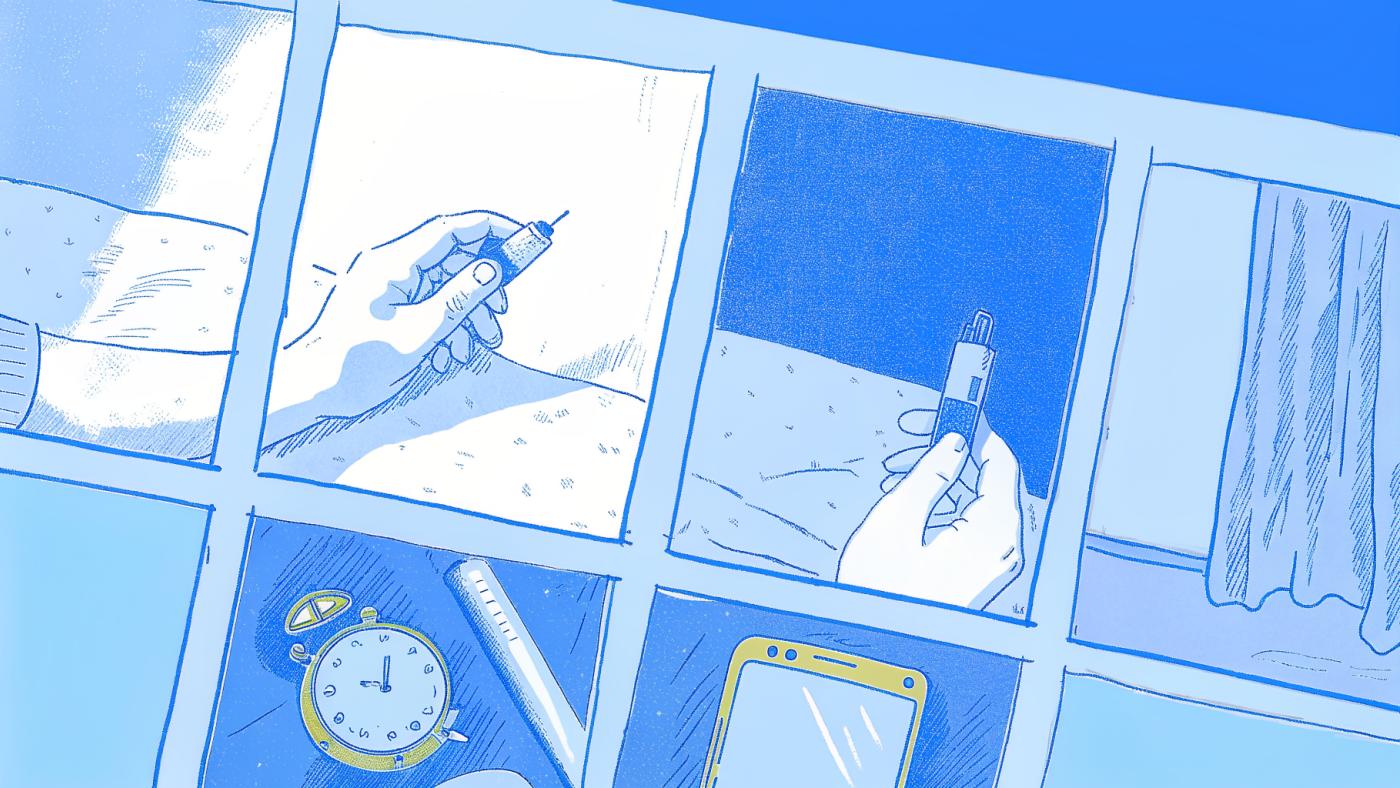
How to Prepare the Injection Site So the Medication Absorbs Cleanly
Clean the site with an alcohol swab, then wait. Check the Zepbound® (tirzepatide) Instructions for Use for how to prepare the site, and ask your healthcare provider about skin preparation if you are unsure.
Site rotation matters too, and logging it consistently is where many users fall short. A GLP-1 tracker app with an interactive body map lets you log the exact spot immediately after the injection sequence, turning a step users know they should do into one they actually do. Knowing in advance that sites can feel different from one another is a practical edge that most injection guides skip entirely.
Pep AI's body map keeps a dated record of your sites, and the side effect log keeps a daily record of how you feel, so over time you can look back at both rather than guess.
The Correct Injection Sequence - Angle, Pinch, Press and What Not to Do After
The sequence itself is straightforward once you have done it a few times. Follow the injection steps in your medication's FDA label and Instructions for Use, including the needle angle and the full hold count for your device, and ask your healthcare provider if anything is unclear.
A first injection can feel like a set of unknowns: Is the angle right? Did the full dose go in? Breaking the sequence into clear steps (place, press, hold, withdraw), and logging each injection right afterward in an app like Pep AI, removes the guesswork about what you did and builds confidence quickly. The Zepbound® Instructions for Use say not to rub the injection site afterward, so follow that guidance and ask your healthcare provider if you have questions.
What to Do If You See Blood or Liquid After Removing the Needle
The Zepbound® pen Instructions for Use say a drop of liquid or blood on your skin after the injection is normal. Press a cotton ball or gauze over the site, and do not rub it. Ask your provider if you have questions.
Keeping a simple side effect log from the start, and noting when your dose steps up so you can share it with your prescriber, is worth building alongside your injection technique.
Related Reading
- Mounjaro® Injection Site Reaction
- Ozempic® Bruising
How to Rotate Zepbound® Injection Sites So Rotation Actually Works

What a Real Zepbound® Injection Site Rotation System Looks Like
The Zepbound® FDA label and Instructions for Use list the body areas where the medication can be injected, and your healthcare provider can tell you which ones fit you, including whether a helper is needed for the upper arm. Logging each site in Pep AI's body map shows you where your last injections went, so you can look back at your rotation history.
The Zepbound® label directs users to change injection sites with each dose, so ask your prescriber how to set up a rotation that works for you. One way to keep track is to log each site in Pep AI's body map so you can see your history.
If a caregiver helps with the upper arm, ask your healthcare provider whether that site is appropriate for you and log it like any other site.
Why Distance From Last Week's Spot Matters
Even within a correctly sequenced rotation, landing too close to last week's entry point defeats the purpose. Each new injection should land away from the previous site. Returning to the same spot too soon can make it harder to tell what is happening at that site, so ask your prescriber about site care if you notice lumps or changes in the skin.
The Recall Problem That Breaks Zepbound® Rotation Plans
Rotation advice treats this as a knowledge gap, but prospective memory research suggests that remembering to do something after a delay is its own challenge, and good intentions alone do not reliably bridge a seven-day gap. A GLP-1 tracker like Pep AI can help you keep a record. You tap the site on the body map when you log your shot, the app marks your last site and lists your recent ones, and you have a dated record you can actually show your provider. That turns rotation into a habit you can see in your own records.
Pep AI also covers the wider tracking picture that rotation lives inside: weight tracking for weekly weigh-ins and provider appointments, food logging by photo, barcode or menu scan, search, or by telling Pep Bot, the in-app assistant, and a menu scanner that suggests 3 to 5 best picks ranked by an estimated GLP-1 score when you eat out or order in.
Quick-Reference - Zepbound® Site Rotation Planner
Use this 6-week schedule as an example only, and confirm your site rotation with your prescriber and the label.
- Week 1
Site: Abdomen
Sub-Zone: Left side
Available to Solo Injector?: ✅ Yes
- Week 2
Site: Thigh
Sub-Zone: Right front
Available to Solo Injector?: ✅ Yes
- Week 3
Site: Abdomen
Sub-Zone: Right side
Available to Solo Injector?: ✅ Yes
- Week 4
Site: Thigh
Sub-Zone: Left front
Available to Solo Injector?: ✅ Yes
- Week 5
Site: Upper Arm
Sub-Zone: Right back (tricep)
Available to Solo Injector?: ⚠️ Needs helper
- Week 6
Site: Upper Arm
Sub-Zone: Left back (tricep)
Available to Solo Injector?: ⚠️ Needs helper
Key rules at a glance:
- Ask your prescriber how far each new injection should land from last week's entry point.
- Solo injectors: Weeks 1-4 are the zones you can reach on your own; Weeks 5-6 need a helper.
- Log each site immediately after injecting; do not rely on memory across a 7-day gap.
- If you notice new or intensified side effects after switching regions, log the site and the side effect; together those records give your provider useful context.
Tips for Reducing Injection Discomfort and Managing Common Site Reactions
A reaction that keeps appearing in the same general area, even when the injection felt smooth, is worth tracking and mentioning to your prescriber.
A technique error, such as rubbing the skin immediately after injection or hitting the site at a poor angle, is worth raising with your prescriber alongside any reaction.
Injecting over stretch marks on the stomach may feel different from other spots, so mention anything unusual to your prescriber.
Injection history is the reliable way to tell overuse of one area from a technique error. If a reaction consistently follows a specific zone, or appears unpredictably across multiple sites, share that pattern with your prescriber, who can help work out the cause.
People also wonder whether the injection site changes how well the medication works. The Zepbound® label reports similar drug exposure in the abdomen, thigh and upper arm.
Site reactions after a Zepbound® injection are common enough that the Zepbound® prescribing information lists injection site reactions among the common adverse reactions in its weight-reduction trials (6% to 8% of people on Zepbound® versus 2% on placebo), a group that includes terms such as redness, itching, pain, bruising, and rash. Ask your prescriber how long a site reaction should last and when to report it.
Redness that keeps coming back in the same spot is worth raising with your prescriber, who can tell you what is expected and what is not.
Ask your prescriber and check the Zepbound® Instructions for Use about pre-injection steps, such as whether the pen needs to reach room temperature (the single-dose pen instructions say it does not) and letting the alcohol swab dry.
Most users troubleshoot by adjusting technique and hoping the reaction stops, but Pep AI's interactive body map lets you log each injection site and see where the last injection went, and the same app keeps your dose history and dose reminders.
The Injection Site Log That Makes Every Rotation Rule Above Actually Stick
Rotation depends on a memory system that was never designed for the job. Prospective memory, the cognitive mechanism that holds "remember to do X later" intentions, is the first thing to buckle when a busy week hits. For a once-a-week injection, the gap between shot days is exactly long enough for that memory to degrade quietly, without you noticing it has gone.

Why "I'll Remember" Fails After One Busy Week on Zepbound®
The failure isn't carelessness. Research on prospective memory in younger and older adults suggests that remembering to do something later gets harder under a heavy mental load, which makes mental notes unreliable in everyday life. Medication management is a recurring task where a missed mental note can matter, which is one reason a written record helps. A stressful shot day, a work deadline, a disrupted routine: any one of those is enough to wipe the trace. Seven days later, you are guessing, and the same site may get used again, a cycle of quiet repetition your prescriber can help you avoid.
How to Build a Zepbound® Injection Site Log That Makes Rotation Easier
The fix is structural. External memory aids, such as a written log or an app, offload the recall burden from your memory to a record you can check, as described in research on memory compensation strategies. A handwritten calendar can record a site name, but it cannot show you a visual history of which areas you have used recently and which have had a rest. An interactive body-map does, and that distinction matters when rotation spans multiple zones across weeks.
That is where a GLP-1 tracker app like Pep AI can help take the guesswork out. You tap the site on its interactive body map when you log your shot, building a dated history without adding much friction to an already-busy week. On iPhone only, one-tap dose logging is also available from the Lock Screen Live Activity, the large Next Dose widget (iOS 17 and later), and Apple Watch.
One honest caveat: a tracker is only as useful as the habit of opening it on shot day, so pairing the log with an existing shot-day cue, a phone alarm, a calendar reminder, or a dedicated spot in your weekly routine, is what makes the system self-sustaining. Pep AI's dose reminders can be that cue: tapping one opens that dose so you can log it.
Every rotation rule, anatomical boundary, and technique tip covered in this article assumes one thing: that you know where you last injected. Getting that single piece of information out of your head and into a reliable system is the last step, and the next section covers where to start.
Related Reading
- Ozempic® Hair Loss
- Zepbound® Hair Loss
- Lump After Injection
Next steps
If you cannot reliably recall which site you used last week, rotation is not actually happening. Lipohypertrophy can form without visible warning, so your prescriber or healthcare provider is the right person to ask about how site rotation relates to absorption at a given site. The path forward starts with accepting that remembering your last injection site is the real skill rotation requires, and memory alone is not built for a once-weekly, multi-site task. Start with our GLP-1 tracker app.
The prospective memory evidence means that confidence about recalling last week's site is highest precisely when the underlying recall is least reliable. Without a logged record, it is hard to tell a technique error from overuse of one area when a reaction appears, and your prescriber has less to work from too. Together, they point to logging each site immediately after injection, as a structural minimum rather than an optional extra.
Start with the GLP-1 tracker app from Pep AI. Tap the site on the body map when you log each shot. Next week, your rotation decision is based on a dated record rather than a guess. Pep AI is free to try: a free download and a 3-day free trial on iPhone or Android, then a subscription.
Frequently Asked Questions
Does it matter which injection site I choose for weight loss results?
No. The Zepbound® label lists the abdomen, thigh and upper arm as the areas for injection, and it does not describe any one of them as better for weight loss; ask your prescriber which area suits you. Site choice is a comfort and access decision, not an efficacy one.
Exactly where on my thigh is it safe to inject Zepbound®?
The Zepbound® Instructions for Use show the front of the thigh as the injection area. Your prescriber can show you exactly where on your thigh to inject and which spots to avoid.
How far from my belly button do I need to stay when injecting in the abdomen?
The Zepbound® KwikPen Instructions for Use say to inject in the stomach at least 2 inches from the belly button. Check the Instructions for Use for your own device, and ask your prescriber or healthcare provider about areas such as the waistband.
Can I inject Zepbound® into my upper arm by myself?
The Zepbound® prescribing information and Instructions for Use say another person should give injections in the back of the upper arm, so plan on using your stomach or thigh if you inject alone.
How do I actually prevent lumpy tissue (lipohypertrophy) from building up at my injection sites?
Follow the rotation guidance in your medication's label and instructions for use, and ask your prescriber or healthcare provider if a spot looks tender, bruised, red, hard or scarred. Using an injection tracking tool like Pep AI's interactive body map to log each shot's location gives you a record to rotate from, rather than a fading memory.
Track it all in one app.
Pep AI keeps your GLP-1 shots, injection sites, food, side effects and weight in one app, with reminders on shot day. Download it on iPhone or Android.


This article is general information for people taking a GLP-1 medication. It is not medical advice, it does not recommend any medication or dose, and Pep AI is not a medical device. Talk to your prescriber about your treatment and any change to it.